Power without the tangle
The line from the wall to the work. Make it short, safe and almost invisible.
Know the standards
Cable chaos starts with confusing connectors. Most modern laptops, phones and tablets now charge over USB-C, but the plug shape tells you nothing about speed or power. Three names matter. USB Power Delivery governs how much power a charger and device agree to exchange. USB4 and Thunderbolt 4 govern data and display bandwidth. Qi2 covers magnetic wireless charging for phones.
Before buying, check what the device needs. A laptop that asks for 65 watts will charge slowly from a 20-watt phone brick. A single monitor over USB-C needs a cable rated for video, not just charging. The USB Implementers Forum publishes the logos to look for, and reputable makers print the wattage and speed on the cable or packaging.
The charger worth keeping
Gallium nitride, or GaN, chargers run cooler than older silicon ones, so makers can shrink them without losing output. A single GaN brick with two or three ports, from makers such as Anker, Ugreen or Belkin, can replace a drawer of adapters. Sixty-five watts covers most thin laptops. Higher ratings suit larger machines and several devices at once.
Read the port table on the charger. Total output is usually shared, so a 100-watt brick may drop to 45 watts on one port when a second device joins. Buy for your real mix of devices, and keep a short, good cable at each port rather than long coils.
Routing without drilling
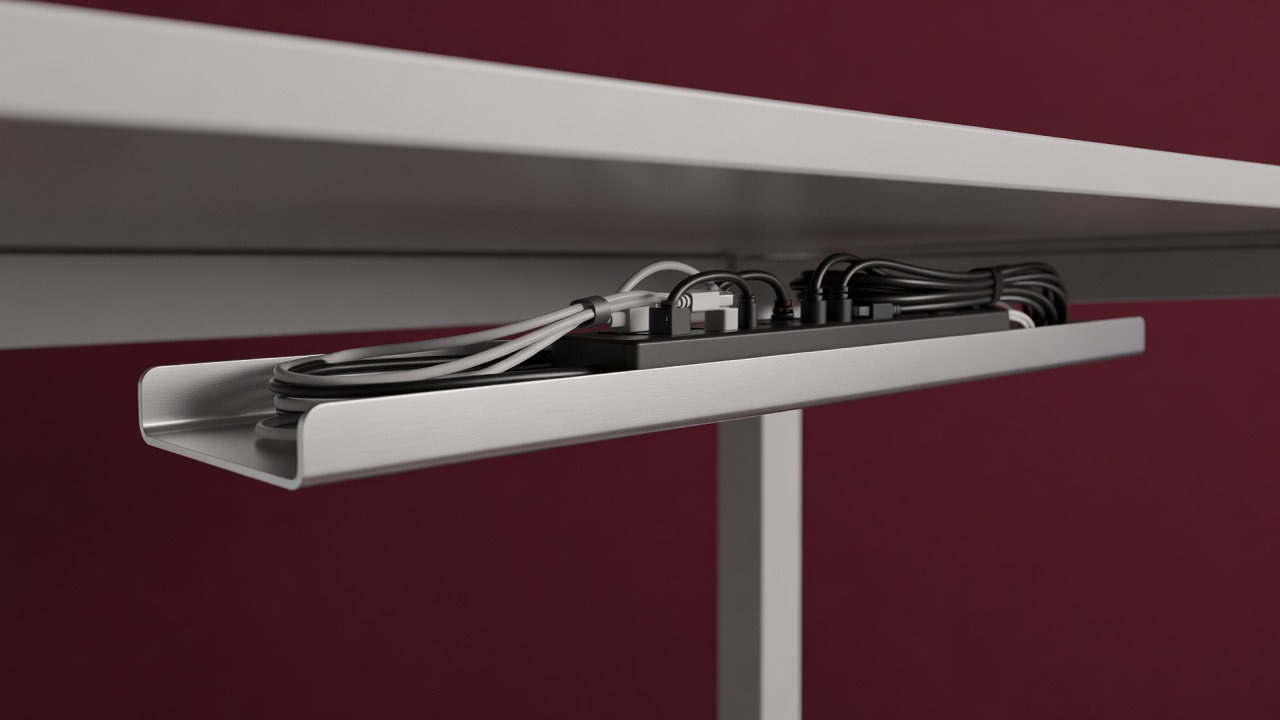
Good routing needs three parts. First, a tray under the desk, such as the Ikea Signum or a clamp-on wire basket, to hold the power strip and every plug. Second, adhesive clips or a Bluelounge-style cable drop at the desk edge, to stop cables slipping to the floor. Third, a sleeve or spiral wrap for the bundle that runs to the wall.
Work from the wall towards the desk. Plug the strip in, mount it under the surface, then bring only the cables you use daily up through a grommet or around the back edge. Leave a loop of slack so you can move the desk or swap a device without unpicking everything.
Surge protection and safety
A power strip is not just a socket extender. Choose one that carries a recognised mark for your region, such as UKCA or CE in the UK and Europe, or UL in the US, and that states its surge rating in joules. Safety standards like EN 62368-1 cover electronics and chargers, and independent test houses such as TÜV Rheinland and UL Solutions certify against them.
- Never daisy-chain strips. Plug each one into the wall.
- Keep strips off carpet and away from heat.
- Replace any cable with frayed sleeving or a loose plug.
- Avoid unbranded chargers with no maker address or marks.
Label everything
A roll of tape and a pen is the cheapest accessory here. Label each plug at both ends, and note the wattage on the charger it belongs to. When something fails, you will know what to unplug, and when you move house, you will know what to pack. Cable ties go with a hook-and-loop strap instead, because straps can be reused.