Light, line and the lamp that stays
One object changes how every other object looks. Start here.
Why light comes first
Most desks are lit by the ceiling and by the screen, and neither does the job. Overhead light throws your own shadow across the page. A bright monitor in a dim room forces your eyes to jump between two brightness levels all day. A good desk light closes that gap. It lowers the contrast, lights paper and keyboard evenly, and gives the room a calm centre.
That is the whole case for lighting as the first purchase. It costs less than a chair, needs no assembly, and the effect is felt by the end of the first afternoon. For students working late in a shared room, it also means you can keep working without lighting up everyone else's evening.
Three lamps, three jobs
The task lamp
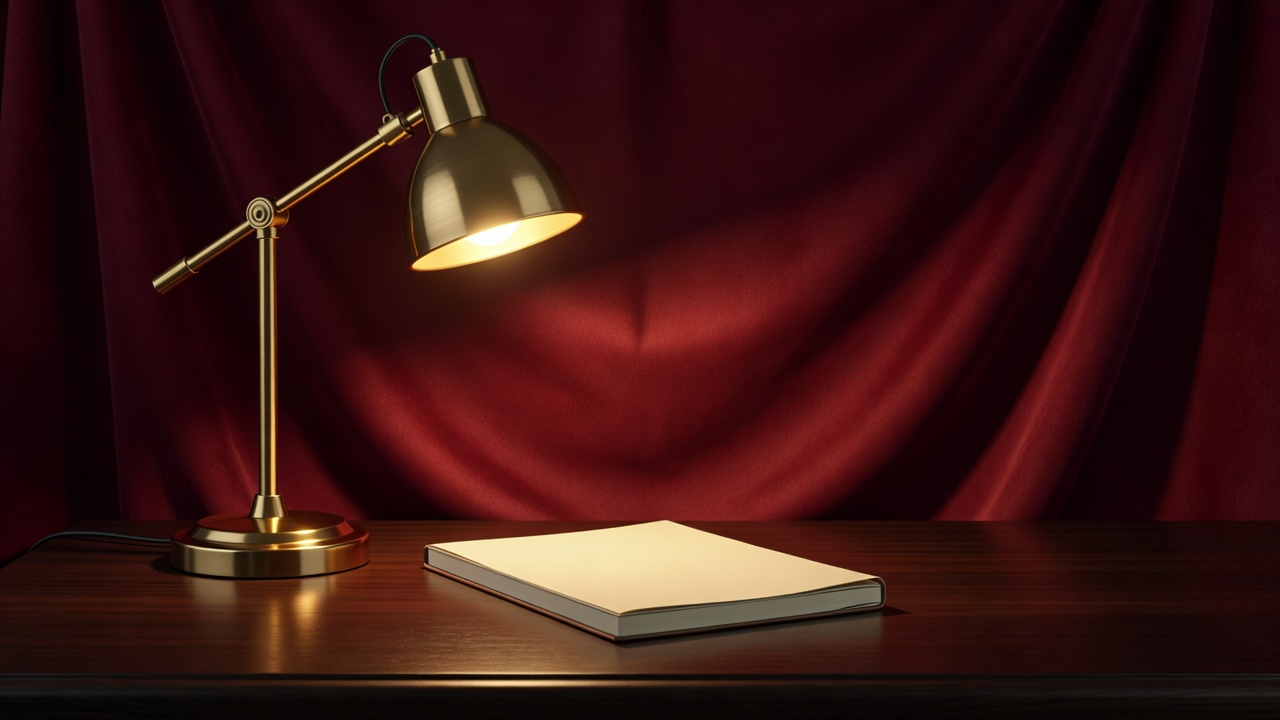
An articulated arm lamp in the Anglepoise tradition, such as the Type 75, puts light exactly where the work is. Weighted bases and spring arms let you aim it once and forget it. It is the best choice for writing, sketching and reading print, and it ages well because the parts are simple.
The monitor light bar
Clip-on bars like the BenQ ScreenBar sit on top of the display and throw an asymmetric beam down onto the desk, not back into the screen. They take no desk space at all, which makes them the default for small desks and dorm rooms. Look for a model with a USB power option and a wireless dial, so the controls don't clutter the surface.
The ambient accent
A small portable lamp, such as a Philips Hue Go or any dimmable bedside lamp, fills the wall behind the screen. This bias lighting softens the contrast with the display and makes evening sessions easier. It is a finishing touch, not a replacement for task light.
Reading the numbers
- Colour temperature
- Measured in kelvins. About 2700K to 3000K is warm, 4000K is neutral, 5000K to 6500K is daylight. Choose an adjustable lamp if you can.
- CRI
- Colour rendering index. A score of 90 or above shows colours, skin tones and printed pages faithfully. Treat it as a sensible floor.
- Brightness
- A few hundred lumens aimed at the work surface is usually enough. Smooth dimming matters more than peak output.
- Flicker
- Cheap dimming can pulse faster than you can see yet still tire you. Look for flicker-free claims, and test by filming the lamp with a phone in slow motion.
- Glare
- A deep shade or a diffuser hides the source. You should see the pool of light, not the bulb.
Placing it
Put the lamp on the side opposite your writing hand, so your arm does not cast a shadow over the page. Angle the head down and slightly in from the side. Keep the bulb out of your direct line of sight.
With a monitor light bar, centre it on the display and tilt until no reflection appears on the screen. If you use a glossy laptop, try the lamp off to one side instead. The aim is a desk surface that is a little brighter than the room, and a screen that is not far brighter than the desk.
Finally, set the colour to the hour. Neutral white while the sun is up. Warmer light once it sets. A lamp you adjust twice a day is a lamp you keep using.
Common mistakes
- Buying for looks only, with a shade too small to hide the bulb.
- Choosing a single cold setting that feels harsh after dark.
- Skipping a dimmer, then living with one brightness for years.
- Trusting unbranded mains adapters. Look for CE, UKCA or UL marks and a seller you can contact.
- Placing the lamp in front of the screen, where it reflects in the glass.